Do you ever make too much food? Find things at the back of your cupboard you’ll never use? There’s a way to pass them on to your neighbours – and maybe pick up a freebie yourself with the Olio app.
Nobody ever likes food going to waste – and everybody loves a freebie. That’s why I’m slightly obsessed with this app.
It’s a simple idea of posting your unwanted or excess food into the app, and you’ll get a message if someone is interested in it.
It’s basically a Facebook Marketplace for otherwise wasted food and drink – which should be everyones cup of tea. Here’s how it works and the features of the app:
Olio app
You can download Olio on both the App Store and Google Play for your smartphone or tablet.
The idea behind Olio was both to cut down on food waste, and also to embrace the neighbourly spirit we all once had of sharing food.
Do you remember the days of knocking on your neighbour’s door for a cup of sugar? That’s what Olio is trying to bring back – but digitally of course.
The app itself is easy to work – it’s like a social networking app with food listings – so it shouldn’t take long to be accustomed to it.
Related: How to find coupons in the UK
Collect unwanted food from neighbours
Once you’ve downloaded the app, and created an account, you’ll arrive on the home page where you can see other people’s listings.
Each one will tell you how far away it is from you, and how many people have seen it.
You’re able to filter the listings down, so you can choose what you want to search for.
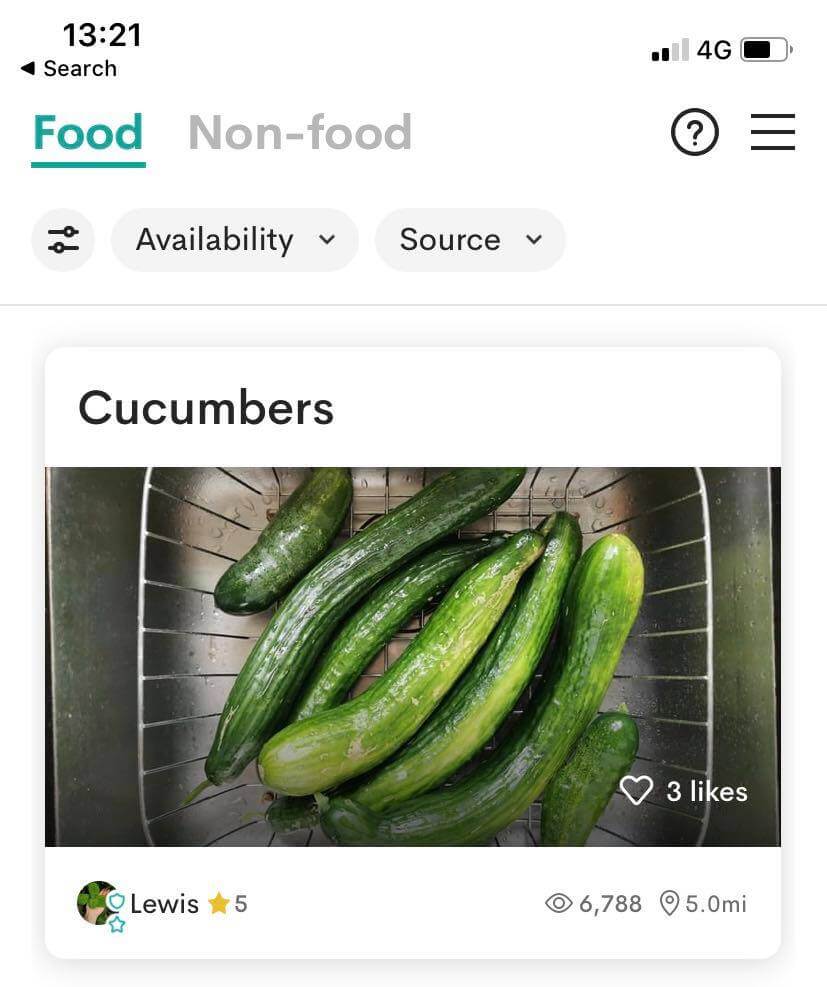
You can find many different food items on here. It can be anything, from leftover food from a massive cooked meal, to extra brownies that don’t want to be eaten.
There are also items that are due to expire from the likes of Tesco, Costa and Pret. ‘Food waste heroes’ will list these, but they will all be brand new items never touched given away for free.
This is an effort to stop throwing food away that would be due to expire. Items can include vegetable bags, fruit, ready meals and more.
There’s always plenty of option, and the app is worth checking every now and then, to see if anything new pops up.
How to request
If you see something you want to collect from someone else, click on the listing to see further details about it. This includes any notes, pick up times, and where they live.
If it is something you want to collect, click on the ‘request’ button, and fill out the details to contact the seller.
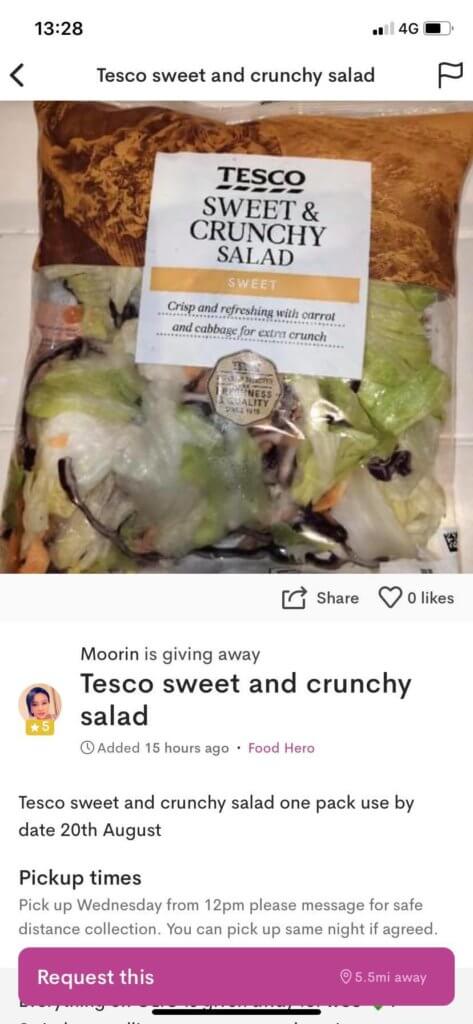
With a bit of luck, the item will still be available, and you can arrange a time with the seller to collect.
Non-Food items on the Olio App
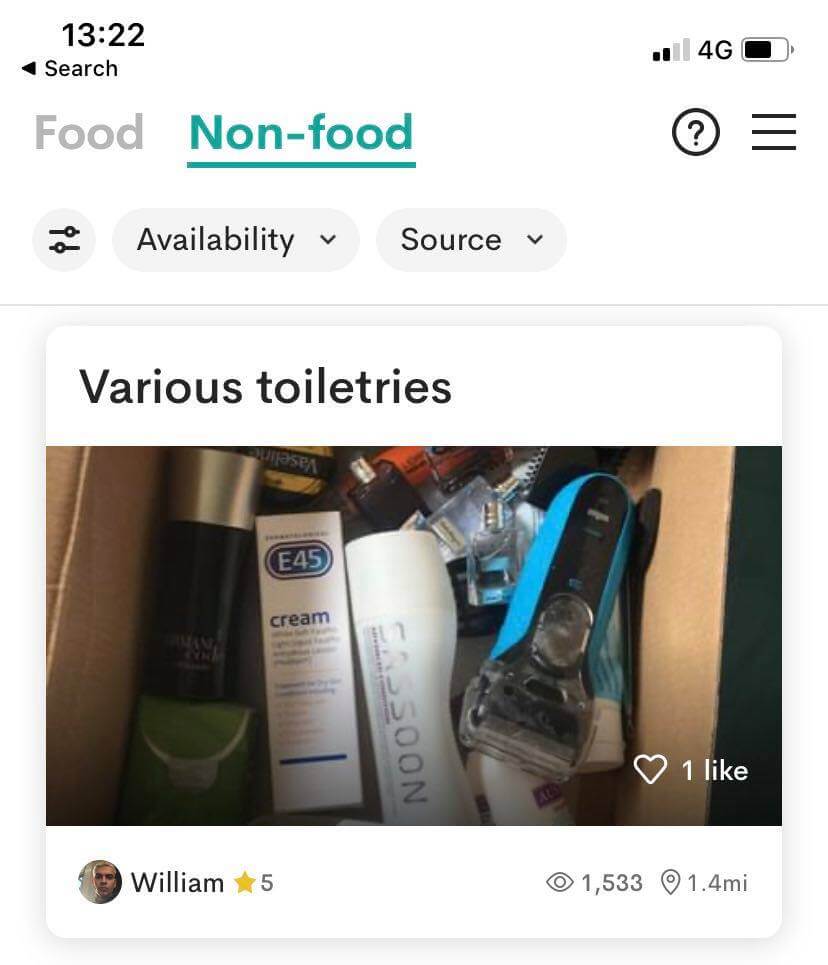
There isn’t just food items on there for you to collect too – you may actually find there are non perishables people want rid of too.
In the navigation menu at the top, you will see a tab for ‘non food’ where people post unwanted items, toiletries and more. If you see something you’d find useful in there, it might come in handy!
While collecting food from your neighbours is great, and will save you a bit of cash – it’s good to reciprocate by sharing the food you have that may go to waste otherwise.
Related: Compare prices in supermarkets
How to share your unwanted food
It’s quite simple to list your own food that you’d like to share with your neighbours. It’s much like listing something for sale on Facebook Marketplace or Shpock.
Once you have a few pictures of the item, you can upload them and fill out the details about your item. Before long, everyone in your local area that has the app should see your listing.
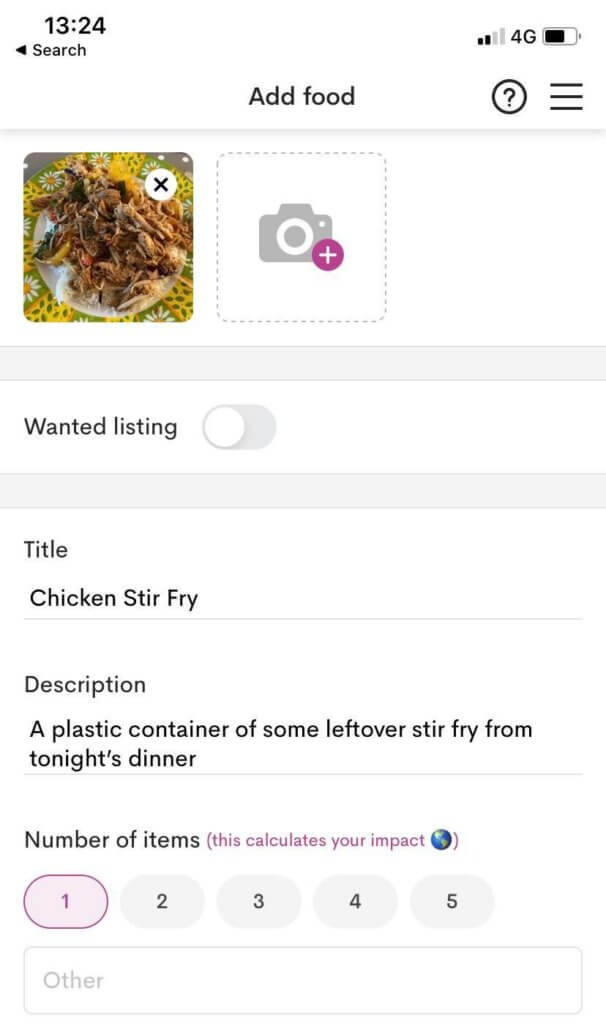
Once posted, you’ll receive notifications when people are interested in collecting your food.
From here, you can chat to them to either arrange a time for collection, or if they are too late, politely inform them that you have someone coming.
Note: As you’re giving away items for free, you may get a lot of messages from people to collect it from you. Make sure you keep it on a first come first served basis to keep it fair.
Olio Badges
The more you share, the bigger your contribution to cutting food waste – which is something we can all be happy about.
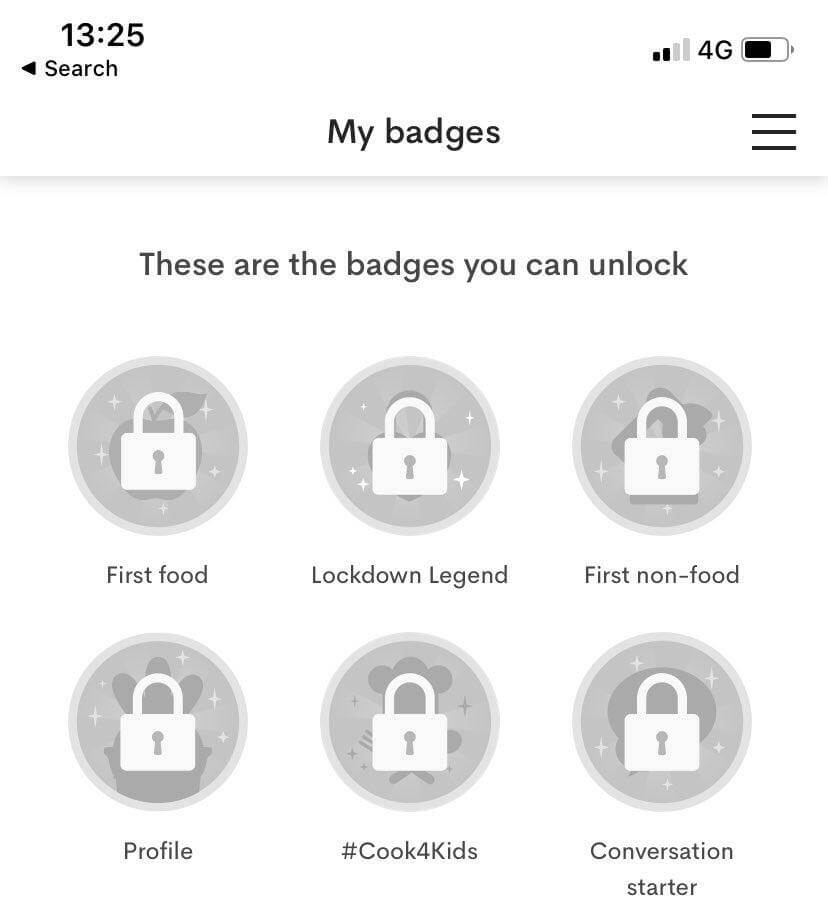
To make you feel even more special, you can earn badges in the app for hitting certain goals and targets when receiving or giving items.
Conclusion
While this app may not be the biggest money saver, it’s a great idea to stop things from going in the bin when it can be put to good use.
And of course, you may strike up a friendship with a neighbour or two!
If you don’t have any listings for food or non-food nearby, and it’s a bit of a drive to get to, do consider whether you should request it or not.
Petrol prices if driving may end up counteracting the saving and environmental impact, which defeats the object. But if there is something not too far away that will come in handy to you – go right ahead!
I hope this saves you money as always – but with an added bonus of stopping food wastage too.
Will you be downloading the Olio app? Are there any apps similar to this that you’d recommend? I’d love to know in the comments below, on Twitter @Jordon_Cox or on Facebook.
Jordon's Top Pick
This article is one of my Top Picks to save you money. To see the full list, be sure to check out the blog.

About Jordon Cox
Jordon Cox is known as Britain's Coupon Kid, and has been saving money since age 15. In that time, he has taught others how to do the same through blogs, public speaking and appearing as a TV expert.
He is best known for doing some crazy things to save money, including getting £600 of shopping for 4p using coupons, and travelling from Sheffield to Essex via Berlin, because it was £8 cheaper than the train.
View all posts by Jordon Cox